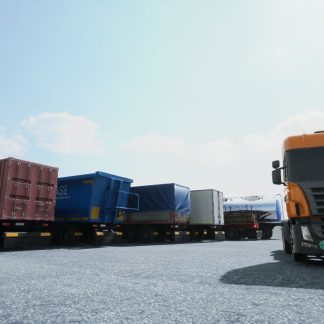
 UNREAL ENGINE – Truck and Trailers
 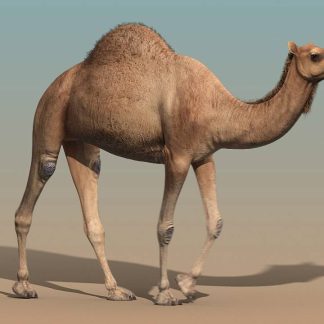 Camel rigged animated
  LOWPOLY WILD ANIMALS RIGGED 3D MODEL COLLECTION PACK
 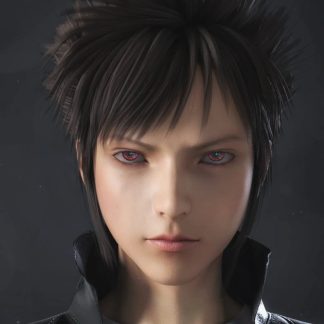 Yuzuru 8 Pro Bundle(DAZ Studio Format 3D Model)
  Alcohol
 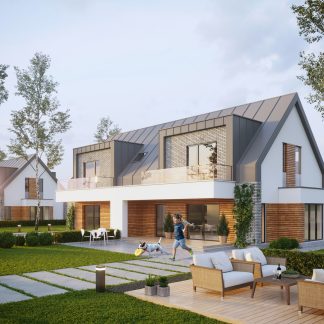 Corona Exterior Scenes 4
 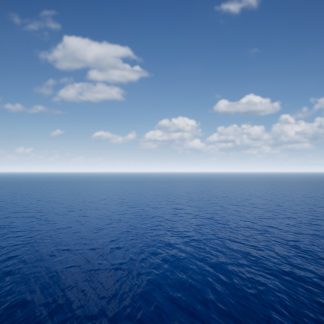 UNREAL ENGINE – REALISTIC OCEAN SIMULATOR FOR UE4 4.25
 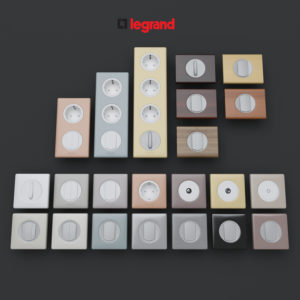 Legrand
 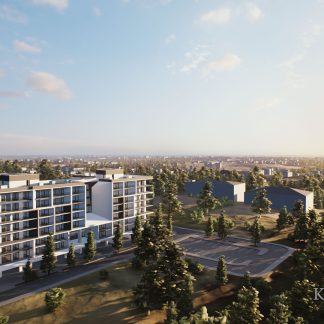 UNREAL ENGINE – “ARCHVIZ” EXPLORER
Description
Video: https://youtu.be/q66uIcjD8gI
Tutorial: https://youtu.be/hHZwvYIkuwg
Surface trails system allows you to capture trails from characters or any other objects on a surface by attaching spherical components to them. As main usage example there is snow landscape demo with walking character and physics objects leaving deformation trails after them. 100% Blueprints.
Features:
- Trails are captured and stored in some area (configurable) around player’s camera, so this system is independent from map size.
- Attenuation of old trails can be configured (can be set to zero so the trails stay forever inside defined area around camera).
- Trail shape is defined by spherical components with configurable hardness. So for definition of a box, for example, you need to attach several components to it (components count depends on required accuracity, in example scene there are 8 components per box and 2 components per character foot).
- Actors are marked as trails receivers by applying special Tag to them.
- System can be used for big variety of cases (trails on water, grass crumpling, any other surface VFX) by draging one material function into material.
- Snow landscape example includes photogrammetry based dirt material appearing under the snow.
Technical Details
Performance notes:
System uses rendering to render targets, so it will affect GPU performance. This can be optimized for low performance platforms by decreasing render target resolution. By default resolution is 2048×2048 and all render targets will cost 24 MB of GPU memory.
If you are going to use snow deformation from example for your project, make sure that landscape tessellation also fits your performance budget.
Multiplayer note:
The system works in multiplayer independently for each player because it depends of player camera. It will produce similar results for different players as long as their cameras are closer to each other then the parameter MaxDistance in BP_TrailsManager. When testing in multiplayer be sure that game instances DON’T use single editor process. Uncheck checkbox ‘Use single process’ in ‘Advanced Settings…’ under the Play button. (UE4 documentation page)
Number of Blueprints: 6
Network Replicated: No
Supported Development Platforms: Windows
Supported Target Build Platforms: Windows
Documentation: ExampleMap and tutorial video
Additional information: Asset is distributed as a complete project (because of necessity to handle user input for demo purpose), however system itself doesn’t require any additional project configuration and can be easily migrated.