CGFasttrack – Blender Car Series Vol.2 Rendering
 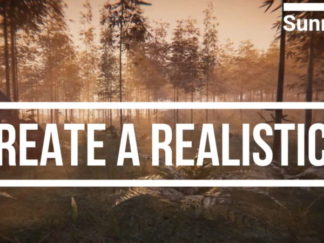 Create A Realistic Environment for your Game using Unity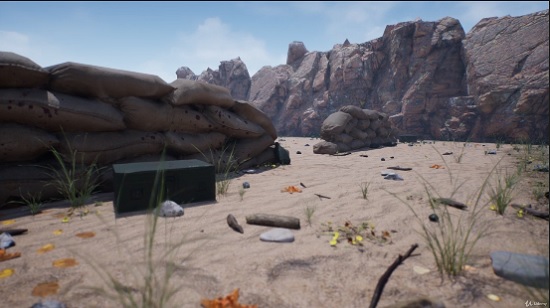
Description
Learn the basics of Unreal Engine 5 by making your own game-ready level from scratch!
What you’ll learn
– How to install and navigate Unreal Engine 5
– How to import Quixel Megascans assets through Quixel Bridge
– How to place and transform different world geometries
– How to create and apply textures, layers, and materials
– How to add details, effects, and lighting
– How to optimize your level to game-ready performance
Requirements
– A computer capable of running Unreal Engine 5
– Interested in making games using Unreal Engine 5
Who this course is for:
– Complete beginners with no prior experience
– Game programmers who want to get into level design
– Experienced game developers who want to brush up their skills