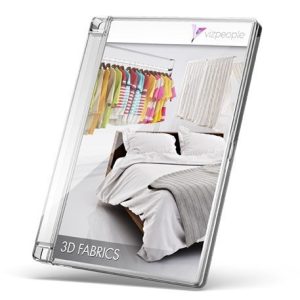
 Viz-People 3D Fabrics
 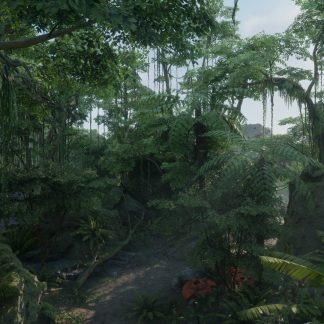 UNREAL ENGINE – Tropical Jungle Pack
 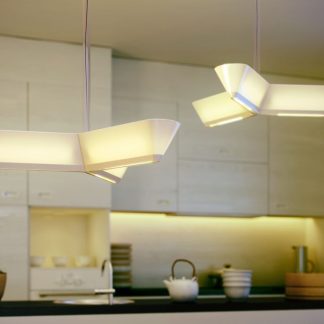 Evermotion Archmodels Vol.99
  ARTSTATION – CITY TRASH AND WASTE PROP SET – (UE4)
 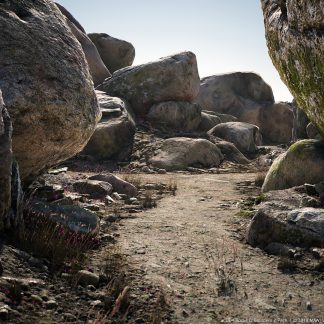 Unreal Engine – Rocks and Boulders 2 Pack
 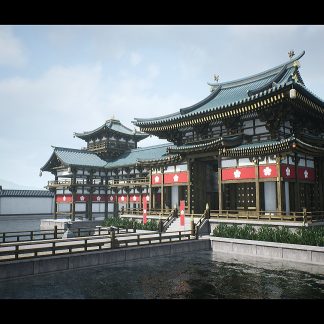 UNREAL ENGINE – MODULAR JAPANESE TEMPLE
 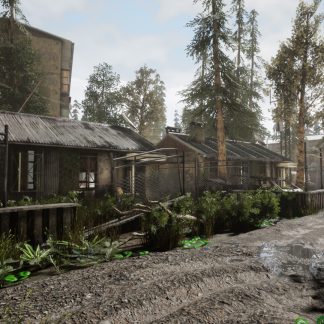 Unreal Engine – Abandoned Post Apocalyptic City Pack
  Evermotion Archmodels Vol.97
  Unity Asset - Easy Mobile Pro v2.18.1
 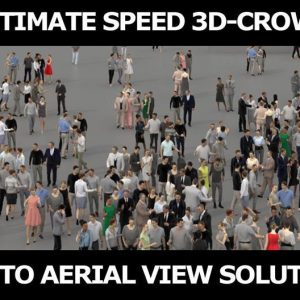 3D PEOPLE CROWDS- ULTIMATE SPEED SOLUTION Low-poly 3D model
  Unity Asset - Car Crash Traffic Racer - 2D Car Hyper Casual Game v1.0
 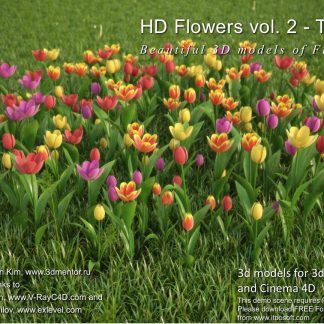 HD Flowers 2 Tulips 3D Models
 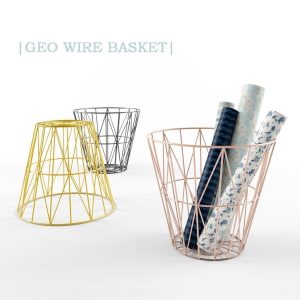 GEO WIRE BASKET
 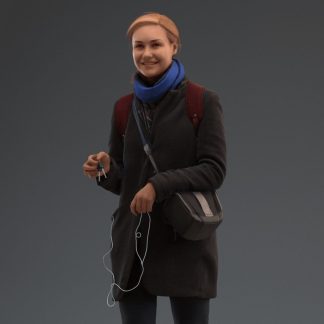 Human Alloy - Premium 00003 Rahel0012
  Model+Model Vol 02 Chairs+tables
  Viz-People-Business v2
 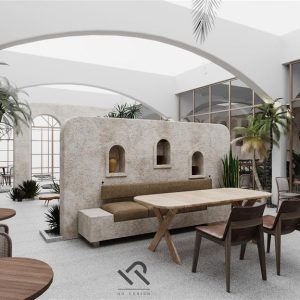 3dsfree Coffee shop 3D model Corona Scene
  Kreslo_Cloth
 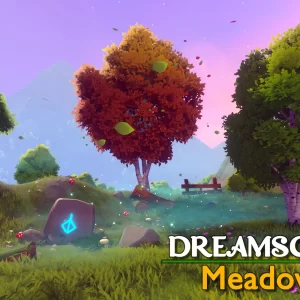 Unity Asset - Dreamscape Nature Meadows v1.5
  Easy AR in Unreal Engine 5 - Simple XR Game Development Tutorial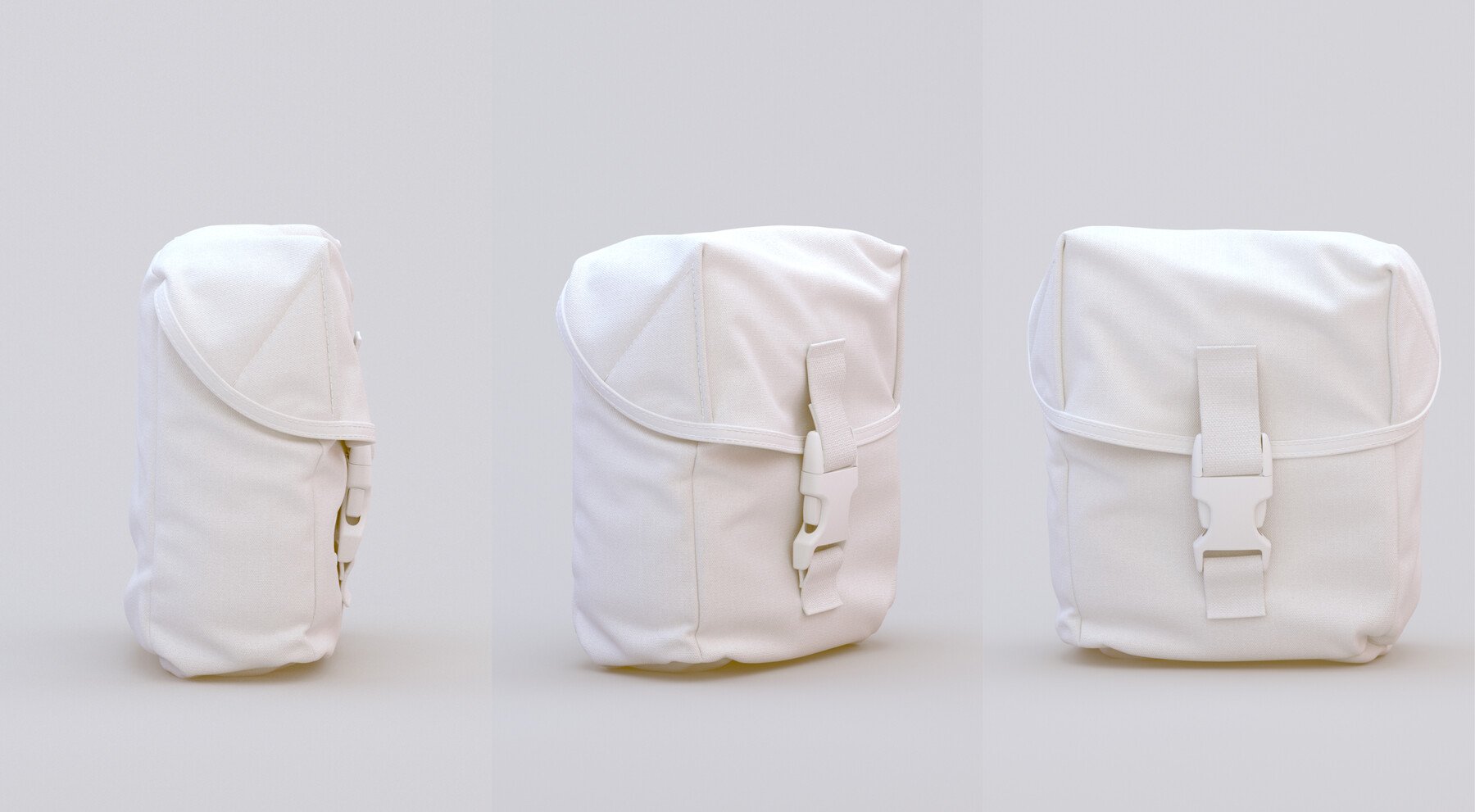
Description
DURATION: 1h 30
DIFFICULTY: Intermediate
In this step by step video tutorial, I am walking you through my usual marvelous designer workflow to produce a combat pouch for characters or even as a standalone prop.
I am covering topics such as construction of MD patterns, managing shapes with fold angles and adding extra realistic details such as stitching and trims.
The mesh is then taken into Zbrush where I am sharing how I handle thickness, adjust the silhouette and add a buckle in order to take the realism to the next level.
Hopefully by the end of the tutorial you will know the methodology to construct pouches of a range of designs from scratch to add complexity to your own 3d Characters.
CONTENTS
MD Project File
Reference Image
Zbrush File
7 Chapters
1. Blocking out the Base
2. Blocking out the Top
3. Adjusting the Fitting
4. Adding Trims
5. Creating Straps
6. Adding Stitches
7. Exporting To Zbrush
Please note that it’s assumed that the user knows the basics of UI and navigation in both Marvelous Designer and Zbrush
If you’re a complete beginner in Marvelous Designer, I recommend to start with this tutorial: