 Lime Exporter v1.31 for 3ds Max 2014 – 2021 Win Crack Version
 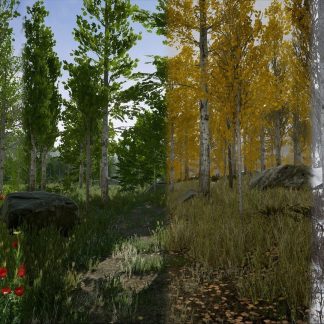 Scanned Poplar and Aspen Forest with Seasons for Unreal Engine 4 Low-poly 3D model
 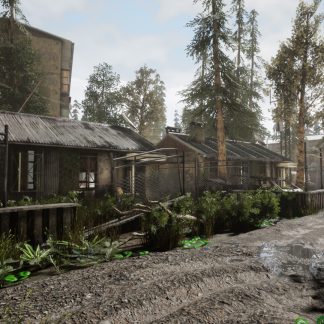 Unreal Engine – Abandoned Post Apocalyptic City Pack
  Low Poly Car Pack 01 Isometric VR / AR / low-poly 3d model
  Retopology Tools 1.0.0-198 for 3ds Max 2021 Crack Version
  ZBrush 2021 Win64 Crack Version
  UNREAL ENGINE – POLYGON – SAMURAI PACK V4.25.1
 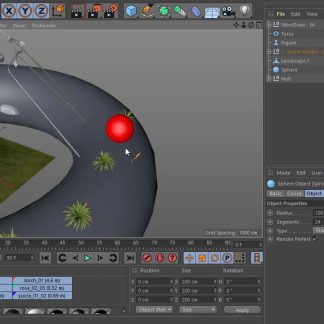 Nitro4D NitroDraw v1.25 For Cinema 4D R21-S22 Win/Mac Crack Version+Tutorial
  Corona Renderer 5.2 for 3ds Max 2013 - 2021 Crack Version
 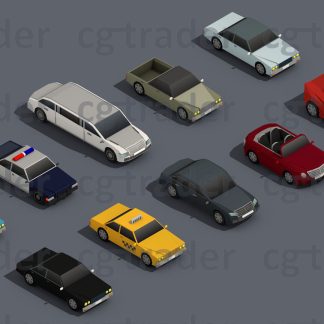 Low Poly Car Pack 02 Isometric VR / AR / low-poly 3d model
  Learning Cinema 4D S24 Tutorial
  Substance Alchemist 2020.3.1 Win64/Mac Crack Version
 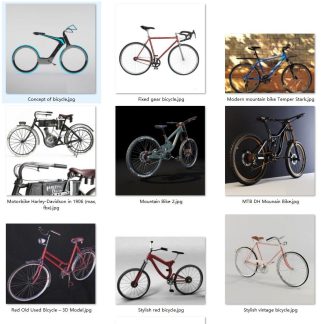 Bycycle collection
  Topaz Gigapixel AI 5.1.6 (x64)
 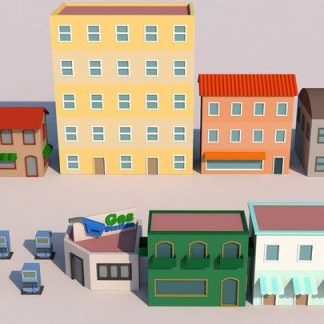 Low Poly Modeling in Cinema 4D - Vol 1 3D Buildings
  R&D Group – ICARS VOL.2 ELECTRIC
  3dsfree Pro Plant Volume 1
 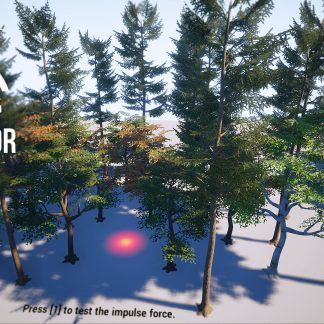 Unreal Engine – Interactive Tree Creator
  R&D Group - iCars Volume 1
  RealFlow 3.2.2.0054 For Cinema 4D R23 Win Crack Version
  HQ Palms 1 3D Models
  RayFire 1.85 3dsMax_2015-2021 Win64 Crack Version
Description
Tutorial To Install Blender Addon Using Rar File
QUICK SHOT is a new Blender addon that will change how you think about presenting your finished projects. Check out this video to learn more about it.
As many of you know, Blender can now do photorealistic rendering RIGHT in the viewpoint, pretty much in realtime. It’s actually, stunning technology!
And in the same 5 minutes it used to take you to create a single render, you can now create full HD quality animations.
WHAT
QUICK SHOT is an addon for Blender 2.8+ which allows users to quickly create camera animations for advertising, visualization or just for fun. It’s goal is to streamline the creation of multiple camera animations and provide a non-destructive model for editing the timeline.
It is a very simple addon which is easily understood and used by novice and experienced users alike.
So, the premise is that you can create several “from Point A to Point B” camera animations. These are called “SHOTS.” Each shot has a duration in frames, and a defined motion interpolation (linear or ease in/out).
You can stack them on top of each other to create a timeline animation so that when you “Render Animation” they will all render as a single animation. At any time you can change the duration, motion interpolation or even the order of the shots.
Once you are satisfied with your animation, you can render it all at once, and because QUICK SHOT animates cameras, you can use it with EEVEE motion blur.
WHO
Who is QUICK SHOT for? It’s for anyone who wants to streamline their animation workflow and do it quickly. It’s especially for EEVEE users who want very quick visualizations of their models. Of course Cycles users can use it too.
INTERFACE
The interface for QUICK SHOT centers around these few key features:
- Must use Multiple cameras– each camera comprising a single shot.
- The ability to easily set each Camera’s in and out keyframes– without having to explicitly select the camera, press the i keyboard command, and select the type of keyframe you are trying to set.
- Allow for both spline based and linear interpolation– which just means you can have the camera motion ease in and ease out or travel at a fixed rate.
- Easily change the shot duration at any time with all of the cameras and timelines being updated. and;
- Easily change the shot order at any time also with the timeline being instantly updated.
2 Minute Quick Tip
Here’s what you do when you want to reverse the animation path.